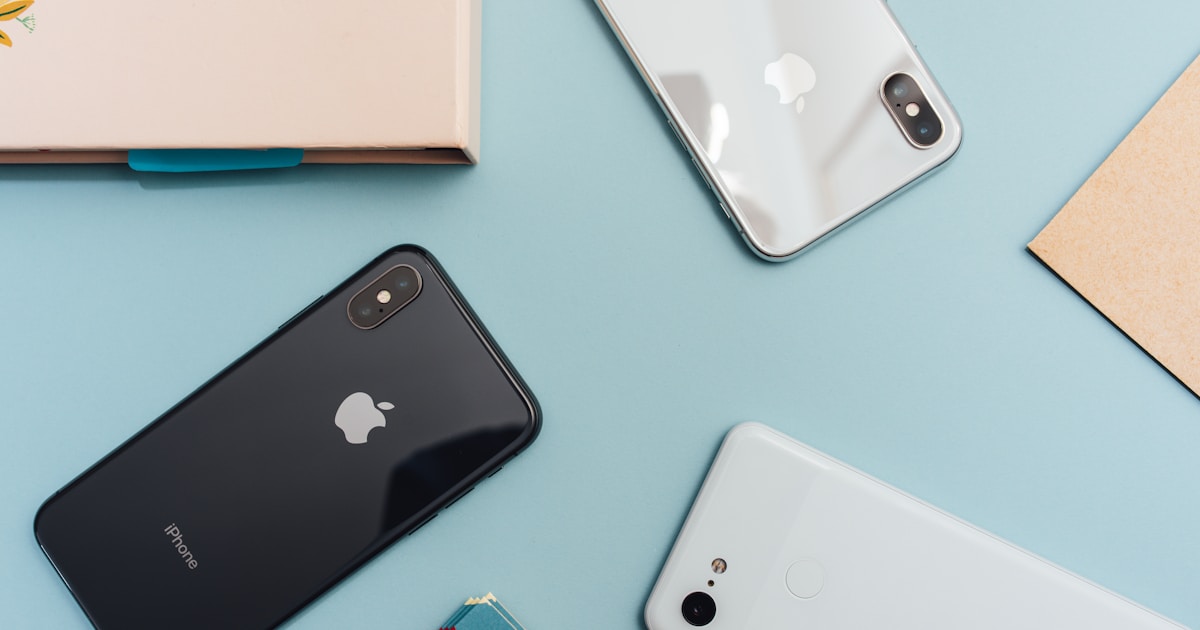
Browser Gaming on Mobile: The Complete Guide for 2025
Your phone is a capable gaming device and you don't need to install anything. Here's everything you need to know about getting the best browser gaming experience on Android and iOS.
Mobile Browser Gaming Is Better Than You Think
Most players assume mobile browser gaming is a degraded experience — laggy, tiny controls, constant interruptions. That was mostly true in 2019. By 2025, Chrome on Android and Safari on iOS support WebGL 2.0, WebAssembly, and Web Audio API. The performance gap between a native mobile game and a well-optimised browser game has narrowed dramatically. You can play full multiplayer shooters, real-time strategy games, and complex puzzle games without leaving your browser.
Best Browsers for Mobile Gaming
Android: Chrome is the default choice for WebGL performance. Firefox is a close second and often handles memory better on older devices. Avoid Samsung Internet for 3D games — WebGL support lags Chrome by several versions.
iOS: Safari is mandatory for the best performance on iPhone and iPad because Apple limits other browsers to the WebKit engine anyway. Chrome on iOS is essentially Safari with a different skin, so stick with Safari and enable the hardware acceleration option in Settings.
Settings to Change Before You Play
- Chrome (Android): chrome://flags → search "GPU rasterization" → Enabled. Also enable "Zero-copy rasterizer" for smoother scrolling during games.
- Safari (iOS): Settings → Safari → Advanced → Experimental Features → ensure WebGL is on.
- Both: Close all other browser tabs. Each tab consumes RAM, and mobile devices are more RAM-constrained than desktops.
- Both: Enable Do Not Disturb mode. A notification during a tense game moment is the worst possible interruption.
Best Game Types for Mobile Play
Best: Puzzle games, card games, arcade games, .io games with tap-based controls (Wormate.io, Territorial.io). These were designed with touch in mind or adapted well.
Good: 2D platformers and side-scrollers with on-screen virtual buttons. They work but the controls feel less precise than a keyboard.
Avoid: First-person shooters and games requiring simultaneous mouse + keyboard input. On-screen joysticks and aim buttons are a poor substitute.
Saving Games as Home Screen Shortcuts
Both Chrome and Safari let you add a website to your home screen, where it behaves like a native app icon. For a game you play regularly, this saves the step of opening the browser and typing the URL. On Chrome: tap the three-dot menu → Add to Home Screen. On Safari: tap the Share button → Add to Home Screen.
Data Usage
Browser games stream assets on first load and then cache them. Most .io games use under 5 MB of initial data. 3D games like Smash Karts or Shell Shockers may use 20–40 MB on first load but negligible data for subsequent sessions (assets are cached). Playing on 4G/5G is fine; playing on 3G or a poor Wi-Fi signal will cause lag in multiplayer games regardless of device quality.
Our Top 5 Picks for Mobile Play
- Wormate.io — swipe controls work perfectly
- Territorial.io — tap to conquer, works great on any screen size
- Gartic Phone — drawing with a finger is actually more natural than a mouse
- Skribbl.io — same as Gartic Phone for the drawing mechanic
- Idle Breakout — idle games are perfect for mobile, tap when you want, close when you're done